bareclock
a simple clock.
Dad wanted a proper clock for the spare MacBook screen that sat open all day. I couldn't find one I liked, so I made bareclock.
Why I made it
There's an old MacBook at home that stays open while connected to a monitor. Its own screen had been demoted to screensaver duty. Dad asked if I could put a live clock on it, big enough to read across the room and nice enough to leave there.
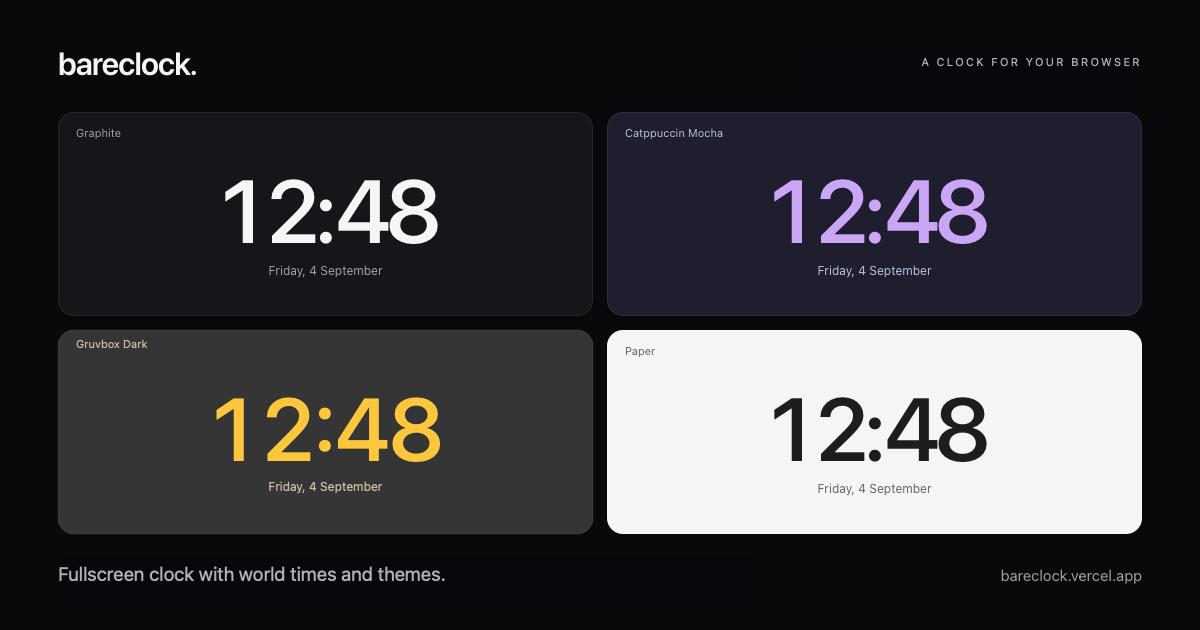
I looked around. The clocks I found either didn't fit or just didn't look good. So I made one for that screen. Then I kept going: eight clock faces, world clocks, 24 themes, and a few ways to choose what stays visible.
The details
-
World Clocks
Search for places, keep multiple clocks in view, and swap one into the main display.
-
Personal Themes
Choose from 24 themes or set custom colors for the clock.
-
Offline Use
The clock works after the first successful load, with the city directory available offline once loaded.
How it works
bareclock is plain HTML, CSS, and JavaScript. It uses your device's clock and the browser's timezone rules. Your settings stay in your browser. No account, time API, or other service needs to keep the clock ticking.